 DocStitch
01
Save the run once
Choose the template, collection, and run-time record selection rules for a repeatable document job.
Create reusable PDF templates, generate personalized documents in bulk, and run saved Pipelines that transform and deliver outputs from your desktop.
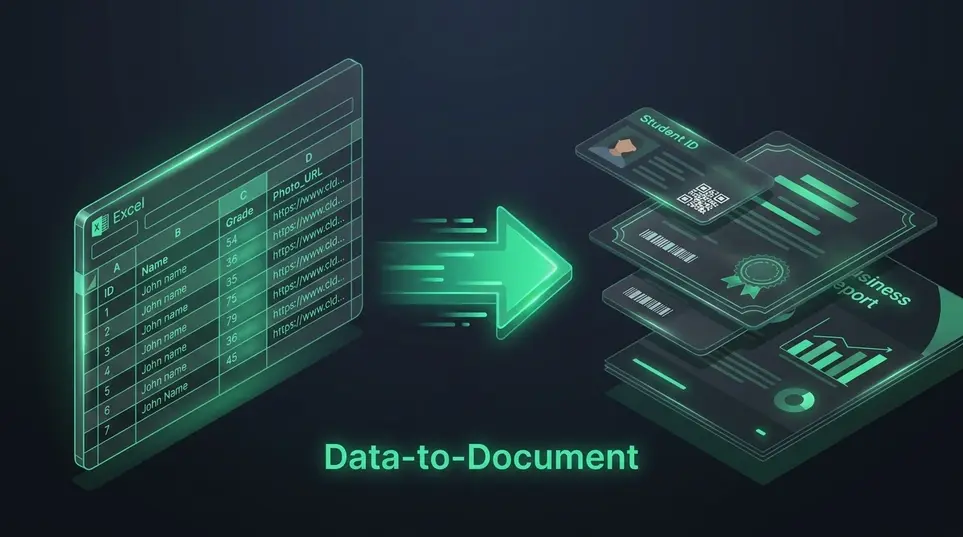
Move recurring document work out of manual copy-and-paste processes and into saved workflows your team can reuse.
Create reusable data collections from CSV and Excel files, then map collection fields to your document placeholders.
Start with an existing PDF and visually position dynamic, fixed, manual, and conditional fields.
Connect a template, collection data, PDF workflow steps, record selection, and delivery actions in one saved process.
Choose records at run time, generate personalized PDFs, deliver them through saved connections, or combine outputs into print-ready sheets.
Pipelines save the repeat decisions behind document work: template, records, PDF steps, destinations, and output review.
Choose the template, collection, and run-time record selection rules for a repeatable document job.
Compress, convert to images, encrypt, watermark, or flatten generated PDFs before they are shared or stored.
Send outputs through email, chat apps, webhooks, cloud drives, or S3 only when the workflow calls for it.
Review generated PDFs, ZIP outputs, Print Masters, Pipeline runs, and cleanup settings from the same workspace.
PDF preparation steps
PDF steps are saved with the Pipeline and applied automatically during each run.
Optional Connections
Reuse approved providers for email, chat, webhooks, cloud drives, and object storage while keeping generation local by default.
Generation stays local. Delivery connections run only when you choose to send or upload outputs.
DocStitch connects document creation, bulk processing, output management, workflow automation, and print preparation.
Connect CSV and Excel records to reusable templates instead of copying values into documents one at a time.
Store templates, data, and generated outputs locally and avoid uploading sensitive files to third-party PDF websites.
Generate personalized PDFs in bulk and package the resulting files into a ZIP for distribution or archiving.
Arrange generated items onto print-ready sheets with crop marks, paper controls, duplex options, and printer offsets.
Track templates, collections, generated PDFs, ZIP outputs, Print Masters, and Pipeline runs without moving between disconnected tools.
Prepare cut-and-distribute documents without manually arranging every item in a design tool or printer dialog.
Use the same repeatable workflow across teams, document types, delivery destinations, and print jobs.
Generate onboarding packs and offer letters from employee records, then deliver the right files per person.
Generate invoices and statements, encrypt sensitive PDFs, then email or archive them automatically.
Create contract packets, apply watermarks, flatten final PDFs, and store results securely.
Generate client deliverables in batches and send each output to the right destination.
Create labels, packing documents, barcodes, and dispatch files from order data.
Generate course certificates, enrollment letters, bonafide certificates, admit cards, and student documents from institute records.
Create personalized completion, achievement, and accreditation certificates for training batches and workshops.
Turn assessment records into result sheets, scorecards, grade reports, and performance-rating documents.
Create personalized items, then arrange them into efficient cut-and-distribute Print Masters.
Generate participation certificates, speaker acknowledgements, passes, badges, and event-ready print sheets.
DocStitch is designed for local workflows, so templates, spreadsheet data, and generated files can stay on your device. Delivery and storage integrations are optional add-ons used only when you choose to send or upload outputs.
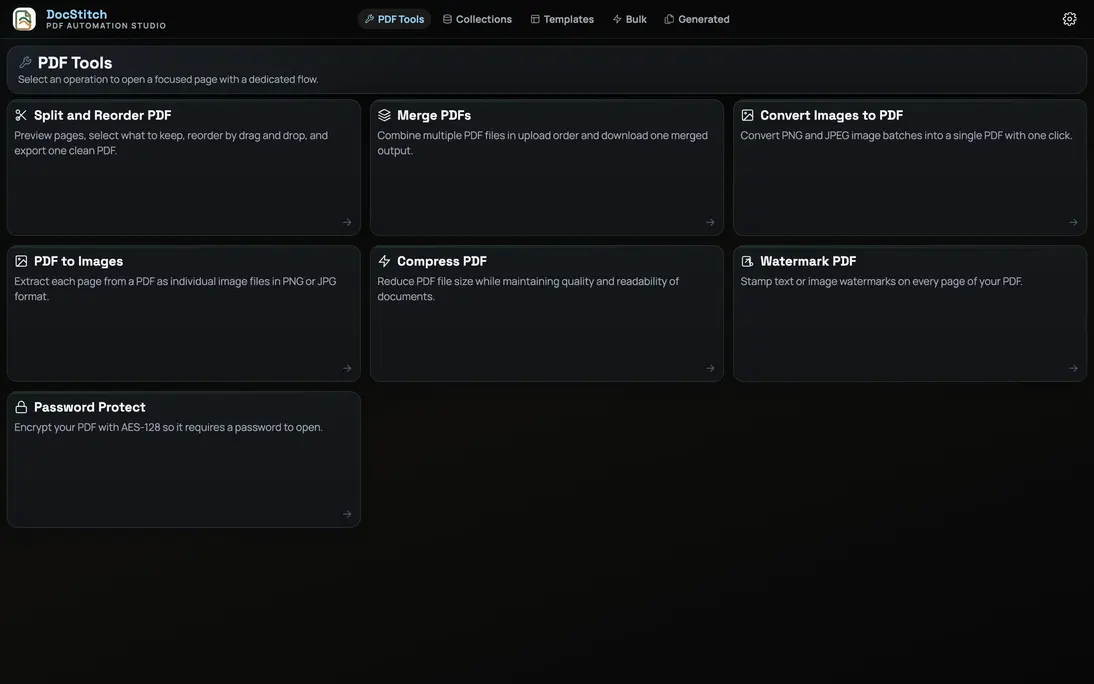
Build a Pipeline once, then run document generation, PDF processing, delivery, and output review whenever the work returns.